Find the sticker
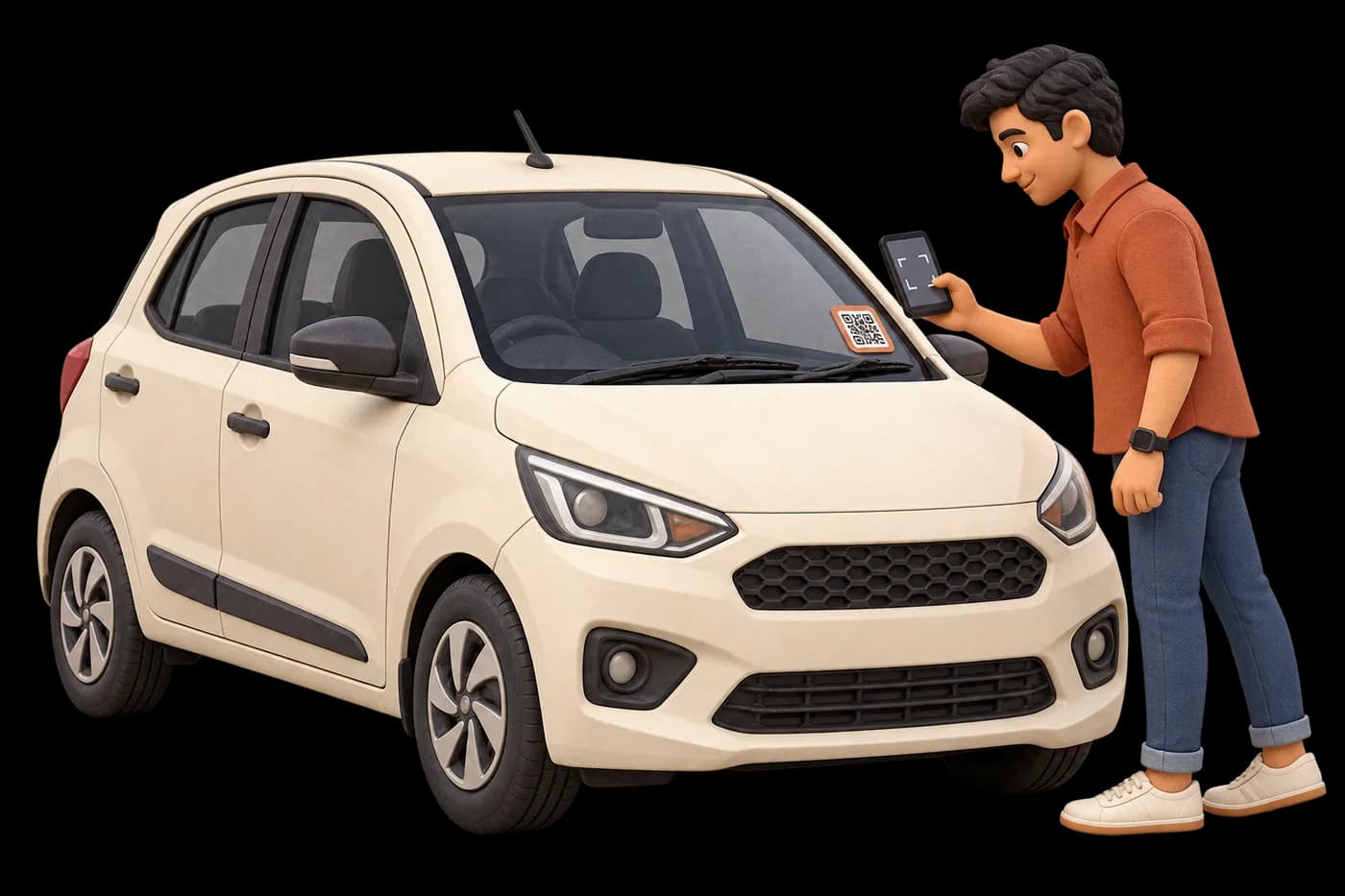
Look for the VaahanSafe QR on the vehicle. Move to a safe place before using your phone.
Small sticker. A meaningful connection.
A blocked driveway or an accident? Scan the vehicle’s VaahanSafe QR to send the right WhatsApp alert, with photos and a shared location when useful.
01 / A clear way to help
Look for the VaahanSafe QR on the vehicle. Move to a safe place before using your phone.
Use your phone camera, our scanner, or the visible VaahanSafe ID. The link opens in your browser.
Allow location when you open the vehicle QR, then send a parking report to the owner or an accident report to enabled emergency contacts. You can also add helpful photos.
A scan. A thoughtful response.
Open an active vehicle QR, choose the situation and send a report. A scan alone never sends an accident alert.
A blocked driveway, gate or another vehicle? Send a WhatsApp alert so the owner knows where help is needed.
Share what happened with the owner and contacts enabled for emergency messages. For immediate danger, call 112 first.
A private view. A clear time limit.
Add up to three photos, a note and your required scan location. The WhatsApp alert includes a report link at view.vaahansafe.com that expires after 24 hours. The owner can revoke it earlier.
Anyone holding the link can view that report until access ends. Alerts are queued after submission; delivery depends on recipient settings and provider availability.
04 / Industrial Hardware
Every VaahanSafe physical QR is printed on UV-resistant, weatherproof automotive vinyl built to withstand Indian monsoons, heat, and highway grit.
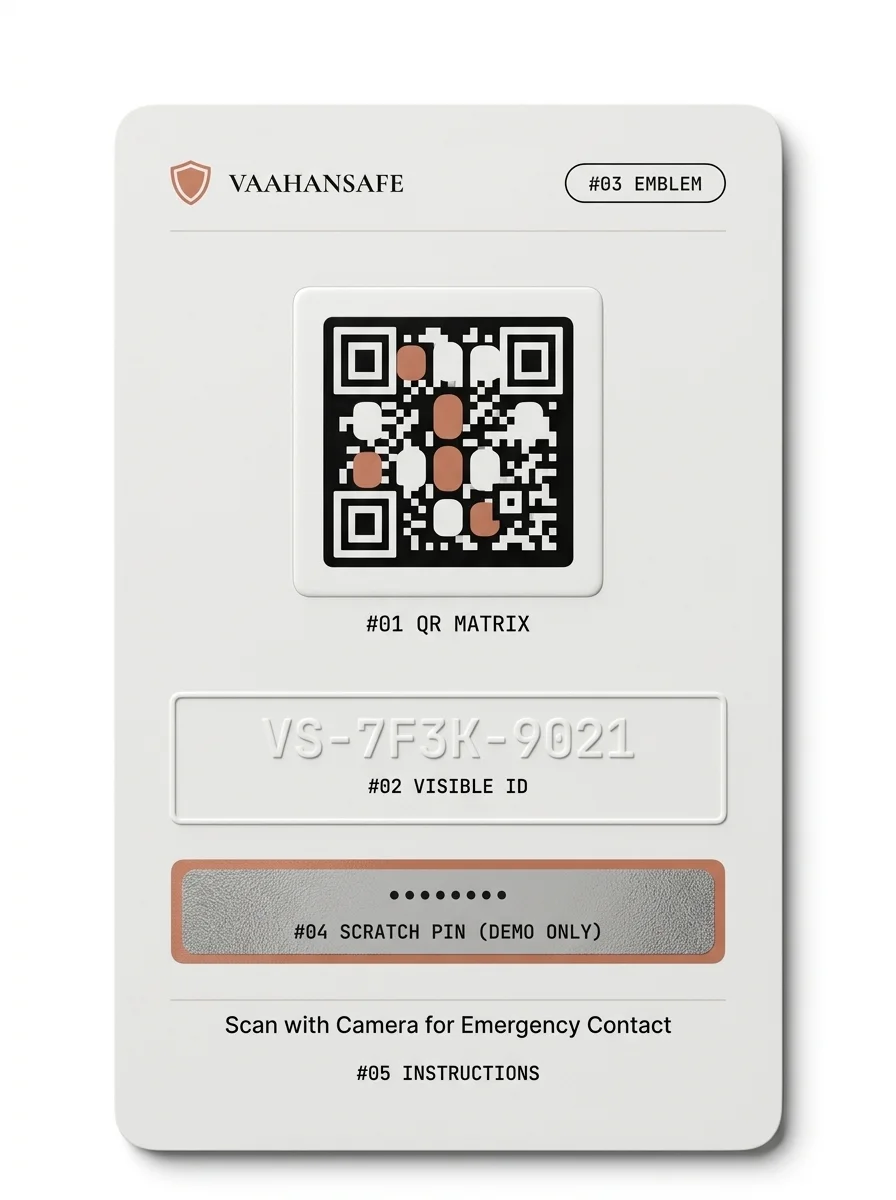
Standards-compliant Level M error-correcting QR encoding ONLY the public URL. Never contains PII or personal data in the print itself.
High-contrast alphanumeric identifier (e.g. VS-7F3K-9021) allowing manual resolution if a camera lens is smudged or scratched.
Official brand security seal reassuring finders and first responders of an authentic emergency safety profile.
Single-use retail scratch secret (shown as •••••••• DEMO). Plaintext is never stored in databases; only one-way cryptographic hashes.
Plain language prompt reminding passersby that any standard smartphone camera will open the safety profile instantly.
03 / The safety view
Every enabled QR reflects its connected vehicle’s current settings. Available information depends on what the owner has approved.
Approved vehicle details help identify the vehicle you are beside.
Contact options appear only when the owner has enabled them.
Optional blood group and medical notes appear when sharing is approved.
02 / Thoughtfully shared
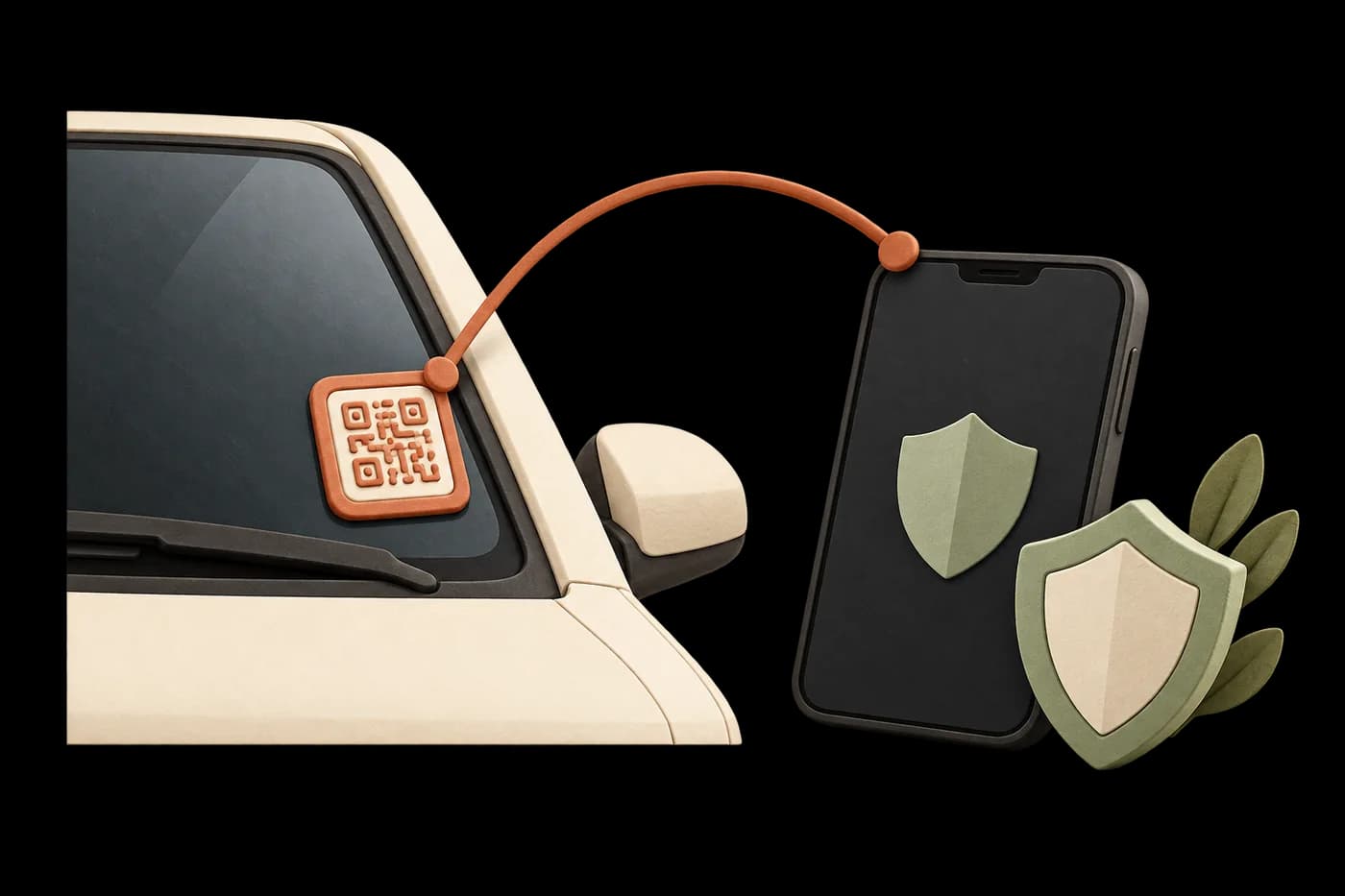
The sticker opens a limited safety view. The owner controls which supported details appear, and the server checks whether the QR’s safety service is enabled.
Architectural Boundary
VaahanSafe strictly separates account records from public emergency resolution. Server-side projection ensures private fields never touch the browser.
05 / Roadside Utility
Real life on Indian roads requires communication. VaahanSafe bridges vehicle owners and the public with dignity, safety, and respect for privacy.
When a vehicle blocks a driveway, gate or another vehicle, send a parking report. The owner can receive a WhatsApp alert with your note, photos and your shared location. Emergency contacts are not alerted.
Spot a flat tyre, a fluid leak, an open window or lights left on? Share what you noticed in an owner report, with a photo if it helps explain the concern.
For an accident, choose Accident or emergency to queue WhatsApp alerts for the owner and enabled emergency contacts. Owner-approved safety information is also available. In immediate danger, call 112 first.
Found keys, a helmet or a bag near the vehicle? Choose another safety concern to send the owner a helpful note. Avoid including private information or unrelated people in photos.
04 / A clear status at every scan
The sticker exists, but its safety view is not enabled. The owner must complete secure activation.
A connected vehicle and valid service entitlement allow its approved information to appear.
An old, blocked or unusable sticker shows a clear next step without exposing a safety profile.
06 / System Principles
These non-negotiable security boundaries protect vehicle owners and reassure first responders.
Scanning a public QR code allows a finder to view the safety pass, but conveys zero administrative control over the vehicle or account.
The visible resolver code (VS-7F3K-9021) is an opaque public identifier. It cannot be used to activate, modify, or steal a sticker.
Our server whitelist guarantees that emails, billing addresses, and raw database IDs are never included in the resolver payload.
When a damaged sticker is replaced, the old code is immediately decommissioned and securely routed to the new identity.
VaahanSafe enables direct citizen-to-owner contact relays. It does not replace emergency ambulance, police, or hospital dispatch (112 / 108).
For vehicle owners
Have a retail VaahanSafe sticker? Verify your mobile, provide the activation proof and connect your vehicle to enable its safety services.
Activate your QRA little clarity
No. You can open an enabled public safety view in your phone browser. An account and verified mobile are required to activate or manage your own sticker.
Enter the VaahanSafe ID printed on the sticker in the field above. You can also choose a photo in the scanner if your browser supports image decoding.
Only the safety details the owner has approved for sharing, such as vehicle information, enabled emergency contacts and optional safety notes. Private account and billing details are excluded.
Parking and other vehicle concerns go to the owner. Accident or emergency reports can also alert contacts enabled for emergency messages. WhatsApp alerts are queued after you review and submit the report; scanning alone does not send one.
With your consent, the alert includes a private report link at view.vaahansafe.com. It expires after 24 hours, and the owner can revoke it earlier. Anyone holding the link can view that report until access ends. Location sharing and photos are optional.
No. Activation requires a verified owner, valid activation proof and a connection to an eligible vehicle. A public QR link is separate from the private activation proof.
It may need activation, have been replaced, or have its service disabled. Follow the next step shown on the QR page. If the service cannot be reached, try again.
No. VaahanSafe helps people find approved safety information and contacts. For an immediate emergency in India, contact the official emergency services on 112 / 108.
Ready to give your vehicle a safe, authenticated roadside identity? Activate your sticker pack or discover the VaahanSafe platform today.